
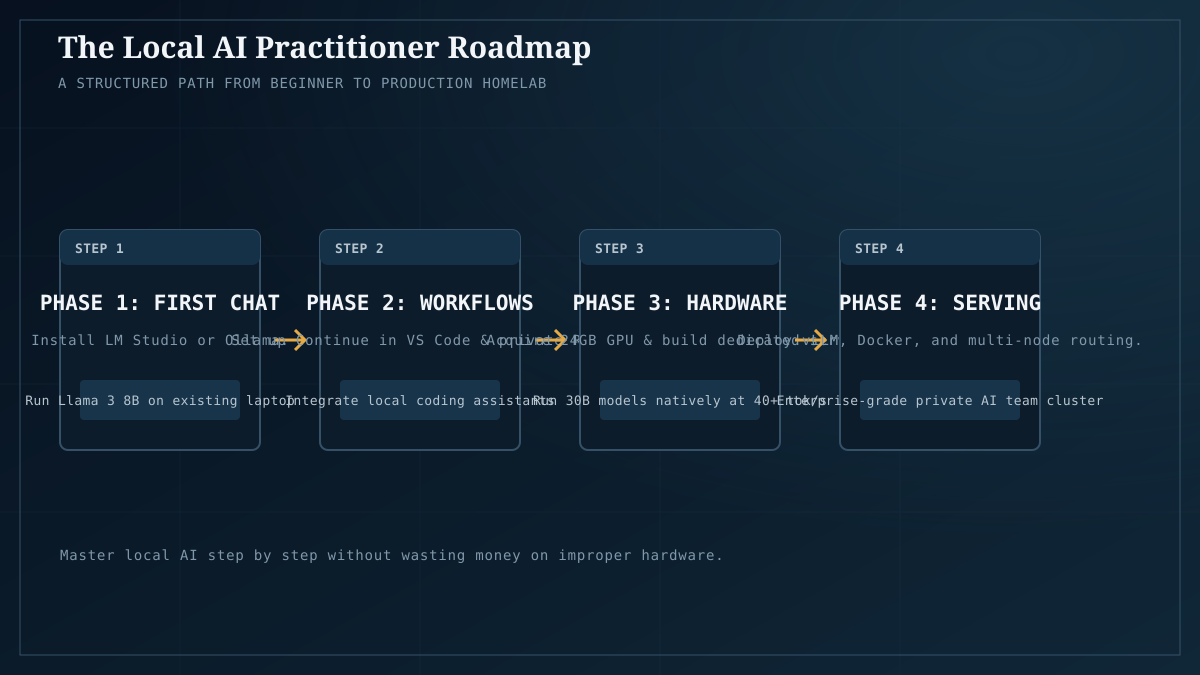
Most local-AI guides dump fifty tabs on you and call it a learning path. This is the opposite: a five-stage route from zero to “I run a real home AI lab,” where each stage has one clear outcome and the specific steps to reach it. You can stop at any stage and have something genuinely useful — most people never need stage five.
This is the hub for the site’s Learn Local AI curriculum. Every article it links to already exists on the site, so you’re following a path through real material, not a syllabus of “coming soon.”
How to use this roadmap
Work the stages in order. Each one assumes the previous stage’s outcome. Don’t skip to stage four because the hardware sounds cool — the early stages teach you the mental model (VRAM, quantization, tokens/sec) that makes the later hardware decisions sensible instead of expensive guesses. If you’re unsure where you are, the VRAM guide is a good self-assessment: if you can’t yet explain why VRAM is the whole game, you’re in stage one.
Time commitment is rough. Stage 1 is an afternoon; stage 5 is a hobby that never ends.
Stage 1 — Understand (afternoon)
Outcome: you know what local AI is, whether you need it, and what your current hardware can actually run.
You’re not building anything yet. You’re getting the vocabulary and the one decision framework that governs everything else.
- Read why local AI matters in 2026 — the four reasons (privacy, cost-at-scale, latency, model control) and where the cloud still wins. If none of those resonate, local may not be worth your time, and that’s a fine conclusion.
- Read how much VRAM do I need — the single most important concept. VRAM is the budget; the model plus its context is the spend. This is the router for every hardware decision that follows.
- Self-assess: run your target model through Model Fit on whatever card you already own. A lot of people discover their existing GPU is enough and never buy new hardware. Others discover they need to budget for an upgrade. Either way, you know before you spend.
Checkpoint: you can explain to a friend why a 64GB-RAM machine with a 6GB GPU won’t run a 30B model fast. If you can, you’ve graduated stage 1.
Stage 2 — Run (a weekend)
Outcome: a working private chat assistant on hardware you own. Browser in, answers out, nothing leaves your machine.
This is the canonical first build, and it’s cheaper and faster than people expect.
- Follow self-host your own ChatGPT for $300 end to end. Three pieces: Ollama (model server), Open WebUI (chat UI), a model file. One afternoon, mostly one command per step.
- Read Ollama vs llama.cpp in 2026 to understand the runtime you just installed — why Ollama is the right default for single-user desktop chat, and when you’d reach for llama.cpp or vLLM instead.
- Read quantization in 2026 — why Q4_K_M is the practical default, with the measured quality-vs-VRAM tradeoff. This is what lets a 30B model fit on a card that “shouldn’t” hold it.
Checkpoint: you have a browser tab that answers questions on your own machine, you know what quantization tier you’re running and why, and the request never touched a third-party server. That’s a private assistant.
Stage 3 — Use it (ongoing)
Outcome: the local model doing real work, not just demo queries. The four canonical workloads.
The hardware you bought for stage 2 is the same hardware for all of these — that’s the real pitch for local: buy once, every new workflow is just wiring.
- Coding → build a private coding agent. A local model that writes and edits code alongside you, no phone-home.
- Your documents → run a private RAG knowledge base. Chat with your own files; the corpus never leaves the machine.
- Voice → an offline voice assistant (STT → LLM → TTS, all local) and the best local TTS models for the speech side.
- Batch processing → process 10,000 documents locally for the cost of electricity.
Checkpoint: you’re using the local model for actual work at least weekly, not just showing it to friends. You’ve hit the case where local inverts the cost curve — the hardware is amortizing across real usage.
Stage 4 — Buy and build well (when you outgrow stage 2)
Outcome: the right hardware for your actual workload, assembled or bought deliberately rather than guessed at.
Most people hit this when their stage-2 card can’t comfortably run the model tier they’ve graduated to. Now the decisions matter.
- The VRAM guide revisited as a buying tool, not just a concept. 12GB to start, 24GB as the sweet spot, 48GB+ only for 70B.
- Best GPUs for local AI, measured — the cross-vendor (NVIDIA / AMD / Intel Arc) performance picture with our own benchmark data.
- Used RTX 3090 — still the value king? — the cheapest path to 24GB, with the buying checklist for used cards.
- Builds — tested part lists per tier ($300 → $2,000+), not forum guesses.
- How much does a local AI setup cost per month? — the TCO and electricity math before you commit.
Checkpoint: you can explain why you bought what you bought, in VRAM terms, and your card runs your target model at a quantization you chose deliberately.
Stage 5 — Serve and scale (advanced, optional)
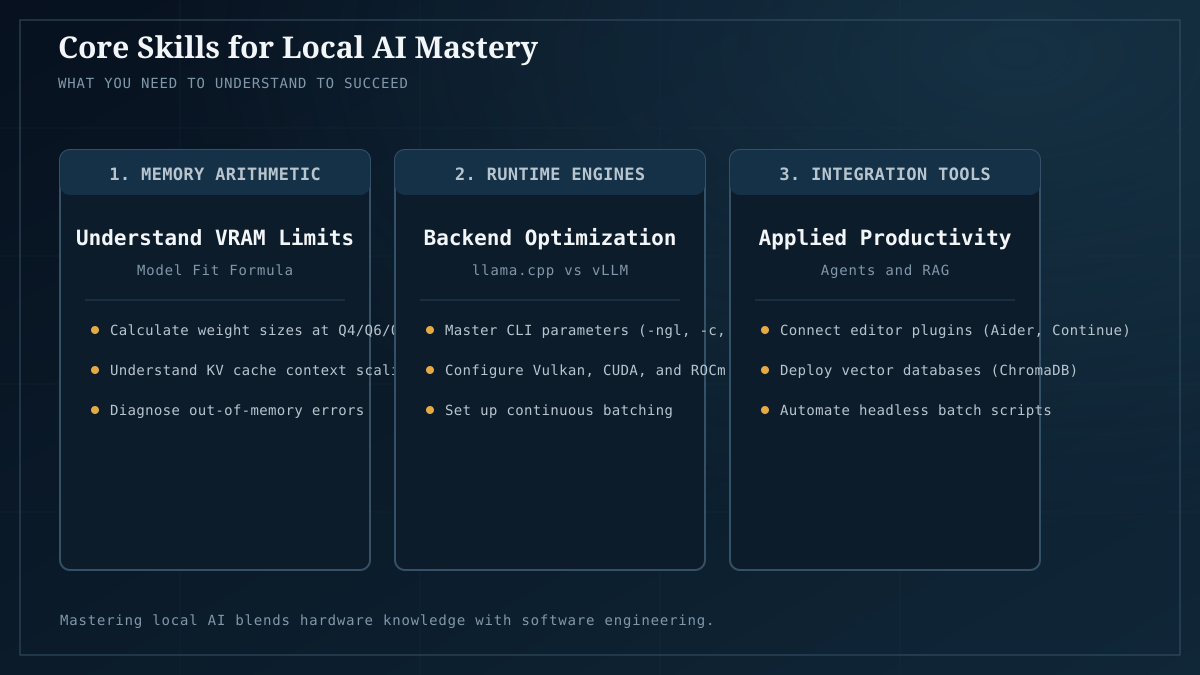
Outcome: a multi-machine or multi-GPU setup serving models reliably to more than just you.
This is home-lab territory. Most readers never need it; if you’re running a team’s inference, building on top of the API, or chasing 70B-class models, it’s where you land.
- Home AI server: a four-node fleet — the multi-machine topology, the actual machines in our lab across Intel Arc / AMD / NVIDIA.
- Single vs dual GPU for local LLMs — when a second card helps and when it doesn’t (measured: for models that fit on one card, it barely matters).
- CUDA vs ROCm vs Vulkan vs OpenVINO — the cross-backend picture once you’re running mixed hardware.
- Speculative decoding, measured — the inference-speedup lever (we measured a 2.07× gain).
- The software stacks comparison revisited at the serving tier — when to move from Ollama to vLLM/SGLang for concurrent users.
Checkpoint: you have a server that other people or other programs hit over the network, it survives restarts, and you understand its failure modes. You’re a home-lab operator now.
A note on what this roadmap is not
It’s not a fine-tuning track, a research track, or a “build the biggest model” track. We test inference, not training — that’s an explicit scope boundary. If your goal is to train or fine-tune custom models, you’ll outgrow this site’s coverage around stage 5 and that’s expected. The roadmap here is for the 95% whose goal is running capable models privately and economically, not making them.
Where to start
If you’ve read this far, start at stage 1 with why local AI matters and the VRAM guide. By the end of the weekend you can be in stage 2 with a working private assistant, and from there the path is simply “which workload do you want to wire up next.” The hardware you buy once does all of them.