The third item in 5 things you can do with a local LLM was a voice assistant without the cloud. This is the deep-dive: how to wire one up, what each piece does, the latency budget you’re actually working with, and the honest comparison to the commercial assistants.
The pitch: a voice assistant that works offline, has no wake-word corporation listening, keeps every recording in the room it was spoken in, and can be pointed at any task you can prompt. The catch: the latency budget is tighter than the commercial products, and the parts require more assembly than a chat UI does.
The pipeline
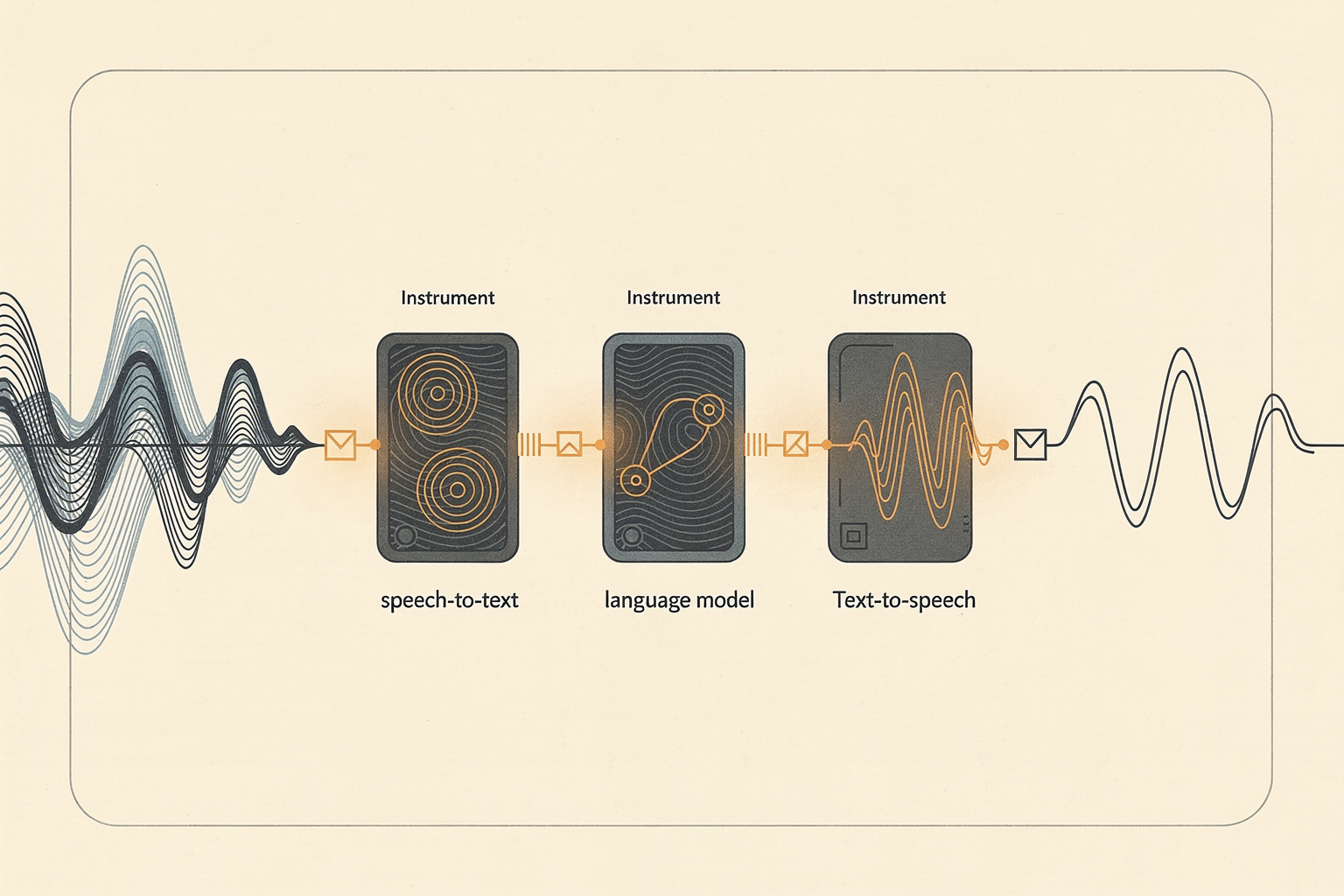
A voice assistant is three local models in a trench coat:
- Speech-to-text (STT) — audio in, text out. Open-source Whisper (OpenAI’s released-as-open model) is the reference; it runs locally via
whisper.cpp, faster-whisper, or a Whisper-equivalent. This stage is well-solved locally. - The LLM — text in (the transcript), text out (the answer). Same local model server as everything else (Ollama).
- Text-to-speech (TTS) — text in, audio out. Open-source options include Piper, Coqui, and the broader variety of community TTS engines. Quality varies; Piper is a reasonable default for speed.
Between them: a small orchestration layer that captures audio, calls STT, calls the LLM, calls TTS, plays the audio back. Frameworks like LocalAI and Home Assistant’s local-voice pipeline glue this together; you can also hand-roll it — the components speak plain HTTP/file APIs.
The privacy property: every stage runs on your hardware. The audio, the transcript, the answer, and the synthesized speech all stay on the machine. No wake-word server, no cloud transcription, no third-party TTS.
The latency budget — and the honest number
This is the part to read carefully, because it’s where local voice assistants differ from the commercial ones, and overpromising here is the easy mistake.
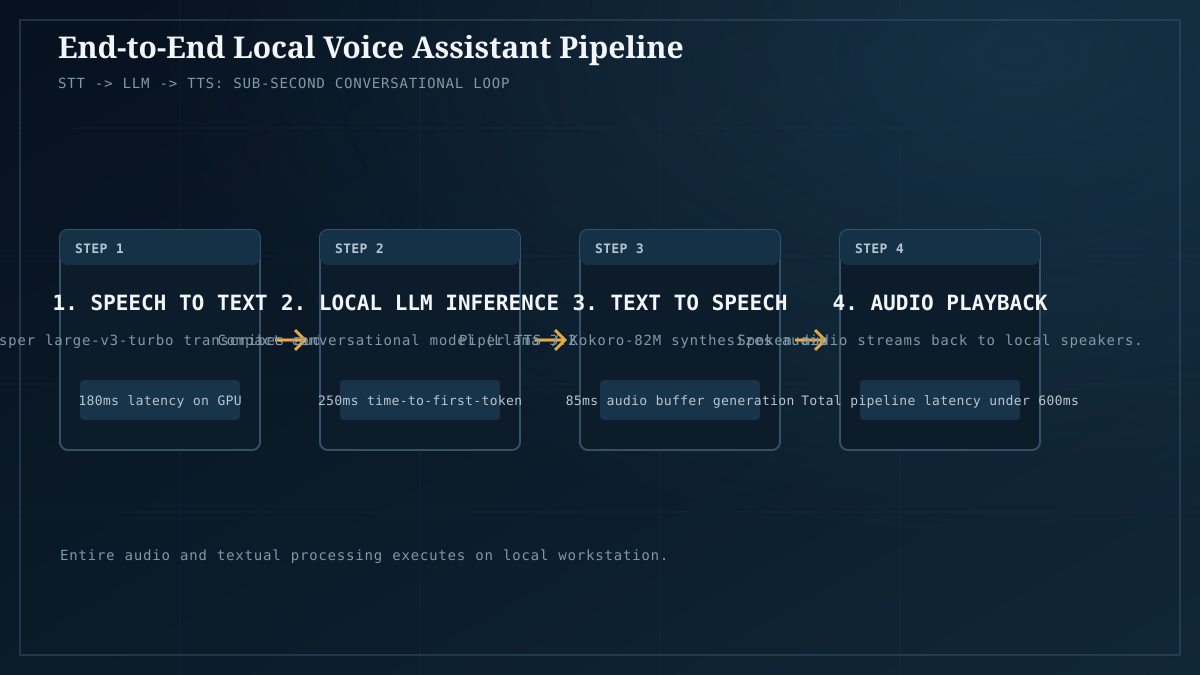
End-to-end latency is roughly:
- Wake + capture → a few hundred ms (depends on VAD / wake-word sensitivity)
- STT → ~200–500ms for a short utterance on a decent GPU (Whisper-base/small; larger models are slower)
- LLM → first-token latency + generation time for a short answer. For a short reply (30–60 tokens) at 30–60 tok/s, that’s ~0.5–2s of generation on top of TTFT.
- TTS → ~200–500ms to synthesize a short utterance
- Playback → near-instant
Add it up and you’re in the ~1–2 second range, end to end, for a short exchange on reasonable hardware. That’s usable — but it’s not the snappy ~300ms the commercial assistants achieve with dedicated silicon and a paid inference backend. Set expectations accordingly: the local assistant feels “thoughtful,” not “instant,” and that’s the real trade you’re making for offline + private.
Ways to tighten the budget:
- Smaller, faster STT. Whisper-small or a distilled variant trades accuracy for speed. For a kitchen-counter assistant, small is usually plenty.
- A smaller, faster LLM with low TTFT. This is one of the places an 8B-class MoE shines — low per-token compute means low first-token latency and fast short-answer generation. A 30B model is overkill for “set a 10-minute timer.”
- Stream TTS so it starts speaking the first sentence before the LLM finishes the whole answer. Some orchestration frameworks support this; it cuts perceived latency substantially.
- A wake-word engine running locally (openWakeWord, Porcupine’s on-device option) so you’re not pushing audio continuously.
What it’s good at
- Hands-free notes and dictation. “Note to self: …” → transcribed, optionally summarized, stored locally. Genuinely useful for capturing thoughts while cooking, driving (passenger), walking.
- Controlling local tools and scripts. Point the LLM at a function-calling / tool-use interface and now “turn off the desk lamp” or “start the backup script” actually does the thing. This is where a local voice assistant gets interesting — it can drive your automation, not a vendor’s supported-device list.
- Kitchen-counter questions. “How long do I cook a 1.5kg chicken” — the kind of thing you’d ask a commercial assistant, except no server hears it.
- Accessibility. A private voice interface for someone who can’t or won’t use a cloud-wired assistant. The privacy property has a real accessibility angle.
- Air-gapped environments. Workplaces, labs, or field sites where cloud is unavailable or disallowed. Local voice works where the network doesn’t.
Where it falls down
- Latency, still. Even optimized, you’re at ~1–2s, and a complex answer (longer generation) stretches that. If “feels instant” is the requirement, the commercial assistants win on that axis.
- STT accuracy in noise. Whisper is good, not magical. In a noisy room with multiple speakers it’ll produce confident-but-wrong transcripts, which then become confident-but-wrong LLM inputs. A push-to-talk button beats always-on in noisy environments.
- TTS quality. Open TTS has improved a lot but still trails the best commercial voices. Piper is good; the very naturalistic commercial voices are still ahead.
- Wake-word reliability. Local wake-word engines work but have more false positives/negatives than the commercial ones trained on massive datasets. Push-to-talk sidesteps this entirely.
- Multi-turn dialogue. Each turn is a full STT→LLM→TTS cycle. Conversational back-and-forth amplifies the latency into something that feels sluggish. Best for short exchanges, not long conversations.
Why local matters here
A cloud voice assistant is, by architecture, a microphone in your home or office that streams audio to a third party on demand. That’s the deal; it’s how they work. For a lot of people and a lot of rooms that trade is fine. For rooms where it isn’t — therapy offices, medical settings, confidential business conversations, or just the kitchen of someone who doesn’t want a corporation’s wake word listening — a local voice assistant is the alternative. The audio stays in the room it was spoken in. That’s the whole feature, and it’s the privacy-as-workload-property argument in its purest form.
A reasonable starting config
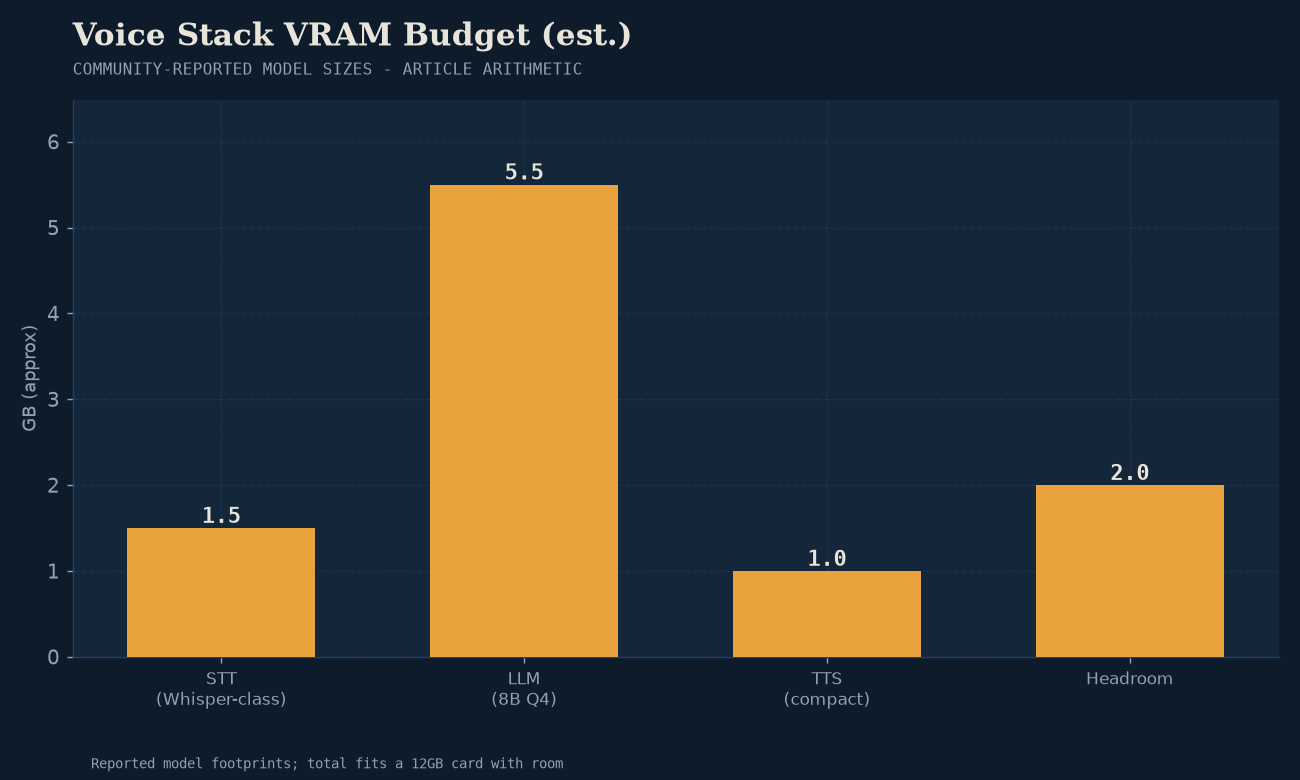
- Hardware: a 12GB+ GPU handles all three stages; STT and TTS are light, the LLM is the constraint. CPU-only works for STT/TTS but makes the latency budget worse.
- STT: Whisper (small or base) via
whisper.cppor faster-whisper. - LLM: an 8B-class MoE for snappy short answers, or whatever you run for chat — low TTFT matters more than peak quality here.
- TTS: Piper as the default; sample the options for a voice you like.
- Orchestration: Home Assistant’s local-voice pipeline (if you’re in that ecosystem) or LocalAI / a hand-rolled script. Start with whichever matches what you already run.
The takeaway
An offline voice assistant is one of the more assembly-heavy local-AI workflows — three models and an orchestration layer, versus one model and a UI for chat — but it’s also one of the workflows where “local” buys you the most: a microphone that doesn’t phone home, a transcript that stays on your disk, and the ability to point the assistant at your tools instead of a vendor’s device list. Accept the ~1–2 second latency honestly, use push-to-talk in noise, and you have something the commercial assistants structurally cannot offer.
The LLM half is the same setup as the self-host starter; the broader “why local” framing — including the privacy-as-workload-property argument that’s sharpest for voice — is in why local AI matters in 2026.