Every “home AI lab” guide follows the same shape: pick a case, pick a GPU, pick a power supply, install Ubuntu, install Docker, install Ollama, done. That is correct and it is the right starting point — start with one machine. What none of those guides describe is the next question: what happens when you already own three or four machines and want to run models across all of them? The single-workstation advice caps out at exactly the point where the more interesting topology begins.
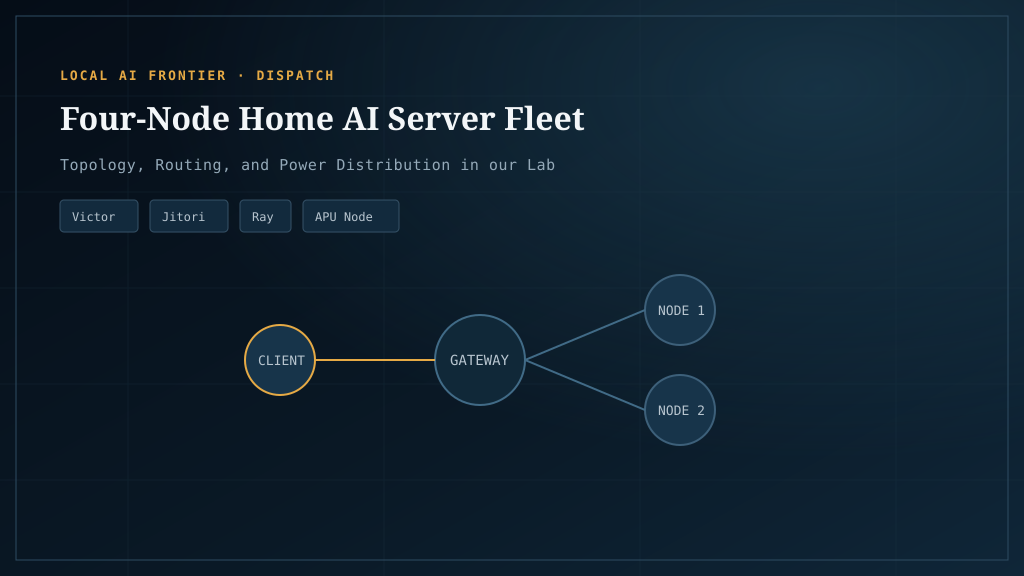
This is the four-node version. Our fleet is four cross-vendor machines on a private LAN — Intel Arc, dual AMD, an AMD APU with unified memory, and dual NVIDIA — running different models per machine, with a gateway routing requests to the right endpoint. The headline finding: a fleet of mixed-vendor machines is viable, the vendor gap matters less than the workload split, and the multi-node pattern gets you things a single big box structurally cannot.
For the per-machine question — should each node be one card or two — see Single vs dual GPU. For the per-card data, see Best GPUs for local AI, measured. This article is the topology layer above both.
One big machine vs several smaller ones
The first decision. Both work; they optimize for different things.
One big machine wins on:
- Simplicity (one OS, one set of drivers, one config)
- Power (one machine idles lower than several)
- Per-machine throughput (tensor-split across two cards in one box beats two cards in two boxes, because the interconnect is PCIe not Ethernet)
- Cost per tok/s at the high end (a single $3,500 workstation outperforms three $1,500 machines on a single workload)
A fleet of smaller machines wins on:
- Workload isolation (one user per machine, no contention)
- Model diversity (run a coder, a chat model, and an embedding model simultaneously on different hardware)
- Vendor coverage (test on Arc AND AMD AND NVIDIA from one gateway — this is our lab’s reason for existing)
- Fault tolerance (one machine down doesn’t kill the fleet)
- Reuse of hardware you already own (the cheapest GPU is the one in your closet)
The crossover is roughly when you want to run two different models for two different users simultaneously. Below that, one big machine wins. Above it, a fleet starts to pay back. Most home users stay below the crossover; most homelab operators cross it within six months of getting serious.
The four-node fleet
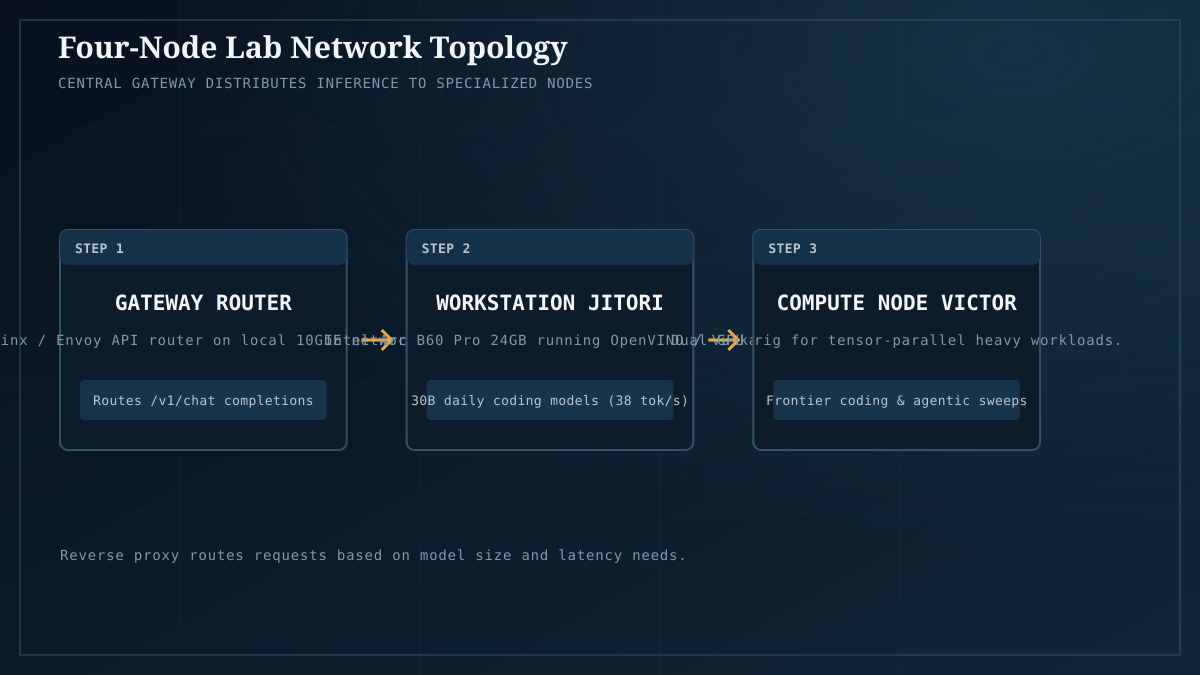
The lab, as it stands. All four machines live on a private LAN (192.168.x); all four run different models; all four are characterized in our benchmark library.
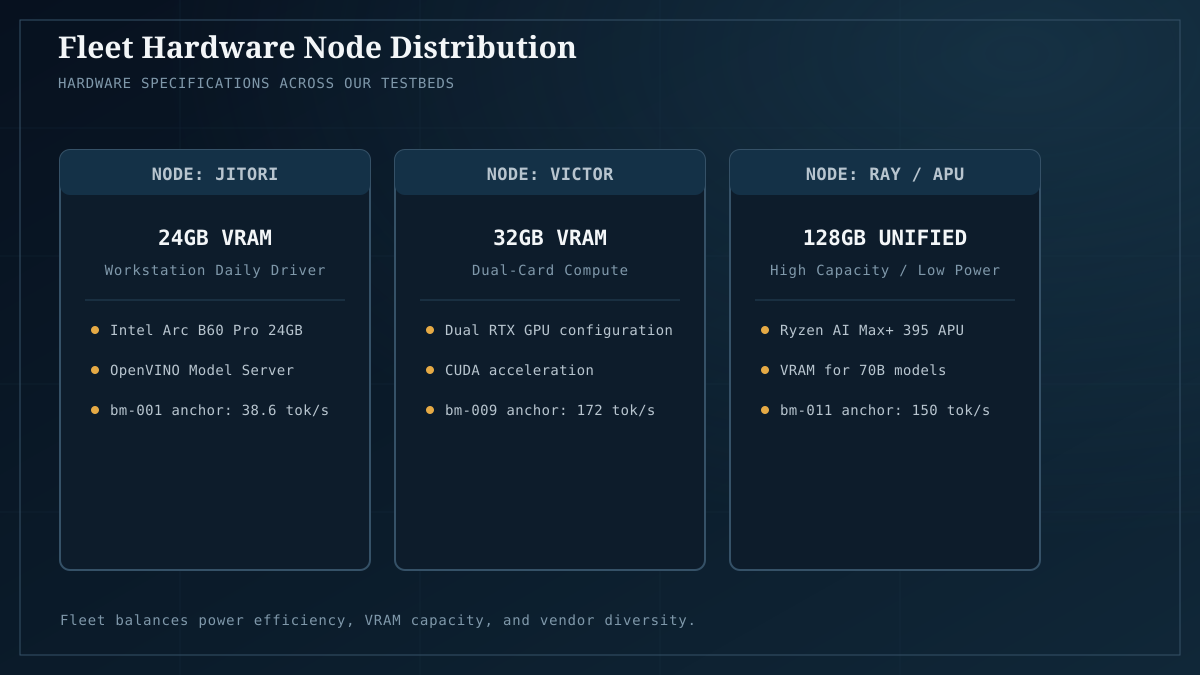
| Machine | Role | GPU(s) | VRAM | Backend | Network |
|---|---|---|---|---|---|
| jitori | Codex Librarian (coding workloads) | Intel Arc B60 Pro | 24GB | Vulkan / OpenVINO | 192.168.5.46 |
| ray | Marshal Alpha + Marshal Beta (throughput) | 2× AMD Radeon AI PRO R9700 (gfx1201 RDNA4) | 64GB (2×32) | ROCm / Vulkan | 192.168.5.44 |
| evox2 | Architect + Router (routing hub) | AMD RX 7900 XT (gfx1100) + Ryzen AI MAX+ 395 iGPU (gfx1151, ~96–124GB unified) | 20GB + unified | ROCm 6.17 / 7.2.2 | 192.168.4.252 |
| victor | CUDA reference (NVIDIA baseline) | 2× RTX 5070 (Blackwell sm_120) | ~24GB split | CUDA 13.0 | local |
Why this shape and not another? Three of the four machines existed before the lab did — we added the inference role to hardware that was already on the network. The fleet topology is a reuse pattern first, an architecture second. If you’re buying fresh, the calculus is different; if you’re using what you have, this is what it looks like.
The pattern: one model per machine, route at the gateway
The architecture that makes the fleet usable is not “split one model across machines” — that’s distributed inference, a different and harder problem. It is “run one model per machine, route requests at the gateway.” Each machine becomes a stable endpoint serving one model well, and a router dispatches by workload.
EvoX2 is the canonical example. It runs two models simultaneously on two different GPUs, exposed as two endpoints:
- Architect — Qwen3.6-35B on the Ryzen APU’s iGPU (the unified-memory pool), listening on
:8090. This is the “fit-the-biggest-model” endpoint. The APU’s ~96–124GB of unified memory removes the VRAM ceiling that bounds every discrete card. - Router — LFM2.5-8B-A1B on the discrete RX 7900 XT, listening on
:8091. This is the “fast small-model” endpoint. See bm-007 for its measured 269 tok/s.
A gateway in front of both routes by workload: short prompts to the Router for speed, complex prompts to the Architect for capacity. Two models, one box, separate endpoints — and the box is doing useful work for two different request shapes simultaneously.
The same pattern repeats across the fleet. Jitori serves the coding workloads (its 24GB Arc B60 fits a 30B coder at Q4_K_M with context — bm-001). Ray serves throughput jobs that need the 64GB pool. Victor serves as the CUDA reference baseline. Each machine has a job; the gateway knows which to call.
The cross-machine baseline (bm-013)
The measurement that made us confident the fleet topology works: bm-013, the first time we ran identical Qwen3.6-27B Q4_K_M weights on all four machines through the same harness.
| Machine | Generation tok/s | Wall-clock |
|---|---|---|
| ray (2× R9700, ROCm 7.0) | 26.74 | 19.71s |
| evox2 (RX 7900 XT, ROCm 6.17) | 25.21 | 20.84s |
| victor (2× RTX 5070, CUDA 13.0) | 24.28 | 21.57s |
| jitori (Arc B60, Vulkan fallback) | 8.41 ⚠ | 61.72s |
The three CUDA/ROCm machines cluster within ~10% on generation. The vendor gap, which looked like ~3.9× on the 8B class (bm-007, bm-008), shrinks to ~10% on a real 27B workload that uses each card’s VRAM pool effectively. The vendor you run matters less than how you split work across whatever you own. That’s the finding that justifies the fleet topology.
(The Jitori row needs the Vulkan-fallback caveat — stock Ollama has no SYCL runner, so it fell back to Vulkan and got 8.41 tok/s. The Arc B60’s real capability on this workload is in bm-001 — 38.6 tok/s on a 30B coder through llama.cpp Vulkan directly. See the backend piece for the full story.)
Networking the fleet
The networking is the boring part, which is why it works. All four machines are on a private LAN. Each model is exposed as an HTTP endpoint on its machine’s IP and a port. The gateway (a tiny routing script, or just your application code) knows which endpoint serves which model and dispatches accordingly. No magic.
What you do not need: 10GbE. Inference traffic is small — a prompt in, tokens out. A standard 1GbE LAN handles it with room to spare. 10GbE matters for model loading (pulling a 40GB GGUF between machines is much faster on 10GbE) and matters if you swap models often. For a fleet running stable models per machine, 1GbE is fine.
What you do need: stable IPs (or DNS names), a way to discover which models are where (a simple config file works), and an idea of what to do when a machine goes down. The gateway pattern handles all three.
What this gets you that a single box doesn’t
Five things a fleet gives you that one big box structurally cannot.
- Workload isolation. Two users on two machines never contend for the same GPU. On a single box, concurrent requests queue or share; on a fleet, they go to different endpoints.
- Model diversity. Run a coder on Jitori, a chat model on Ray, an embedding model on EvoX2’s iGPU, a CUDA reference on Victor — simultaneously, no model swaps. On one box, swapping a 30B model in and out is a 30-second pause.
- Vendor coverage. This is our lab’s reason for existing. The same prompt can be tested against Arc, AMD, and NVIDIA in the time it takes to send three HTTP requests. No single-vendor reviewer can do this; it’s the multi-vendor moat.
- Fault tolerance. Victor went down for a BIOS update last month. The fleet kept running. A single box going down takes everything with it.
- Reuse of hardware you already own. The cheapest GPU is the one in your closet. If you have three old machines with three different GPUs, the fleet topology turns them into a working multi-vendor lab at the cost of the network setup.
What it costs you
Nothing is free. The fleet costs:
- Power. Multiple machines idle higher than one. See what a quantization tier costs in watts for the narrow slice we’ve measured; the multi-machine premium is real.
- Driver and backend complexity. Each vendor has its own setup pain. Arc needs OpenVINO/OVMS (bm-012), AMD needs ROCm version-matched to the card, NVIDIA needs CUDA. Multiply per machine. See the backend piece for the full story.
- No shared KV cache. Each machine loads its own model into its own VRAM. The fleet does not pool memory across machines — that’s distributed inference, a different architecture.
- No native tensor-split across machines. Running one model across the network (splitting layers across machines) is possible (llama.cpp supports it, and tools like distributed-llama and exo exist) but is a different problem with different trade-offs. The fleet topology in this article avoids it on purpose.
The honest caveats
What this article is NOT:
- Not distributed inference. No tensor-parallelism across the network. Each machine runs its own model independently. Distributed inference is a real and useful architecture; we have not tested it.
- No concurrent multi-user throughput measurement. Every benchmark in our library is single-stream. The “one user per machine” claim is architectural, not benchmarked.
- No networking gear benchmarks. We run on existing 1GbE LAN and it has been fine. We have not characterized 10GbE or Wi-Fi 6 for inference workloads.
- No security deep-dive. Exposing inference endpoints on a LAN is a real concern. There are documented remote-exploitation patterns for unauthenticated Ollama and Open WebUI deployments. Do not expose these endpoints to the open internet; on a trusted home LAN, lower risk but not zero. A dedicated security piece is future work.
- Idle power not fully measured. Quantization-watts-cost covers the 245–410W slice we’ve captured; full multi-machine idle is a separate measurement.
A reasonable starting topology
For someone with two machines, the minimum viable fleet:
- Machine A (your primary, fastest single card): the daily-driver chat model and the coding model. The thing you use yourself.
- Machine B (older hardware, second GPU): the long-running background workloads — batch document processing, embedding generation, an experimental model you’re testing. The thing that runs while you’re not watching.
- Gateway: a five-line script on either machine that routes by workload. Or just use two endpoints directly from your client apps.
That’s it. You don’t need four machines, a rack, or 10GbE to get most of the fleet benefit. You need two machines running different models with a way to address each.
The takeaway
The home AI server question does not have a single answer; it has a topology decision. Start with one big machine — it wins on simplicity, power, and per-machine throughput. Build a fleet when you’ve outgrown a single box and want workload isolation, model diversity, vendor coverage, or fault tolerance. The fleet pattern is “one model per machine, route at the gateway,” not “split one model across machines” — those are different architectures. The cross-machine baseline (bm-013) shows the vendor gap shrinks to ~10% on real 27B workloads, which is the finding that makes multi-vendor fleets viable. Reuse the hardware you already own; the fleet pays back faster than the upgrades you’d otherwise buy.
For the per-machine question — single card or dual — see Single vs dual GPU. For the per-card performance data, Best GPUs for local AI, measured. For single-machine build tiers, Builds. The raw fleet measurements behind every number above are in the benchmark library.
Last verified: July 2026. Fleet topology is durable; the specific machines and their measured tok/s move with hardware and software updates. Re-validate against the current benchmark library before sizing your own fleet.