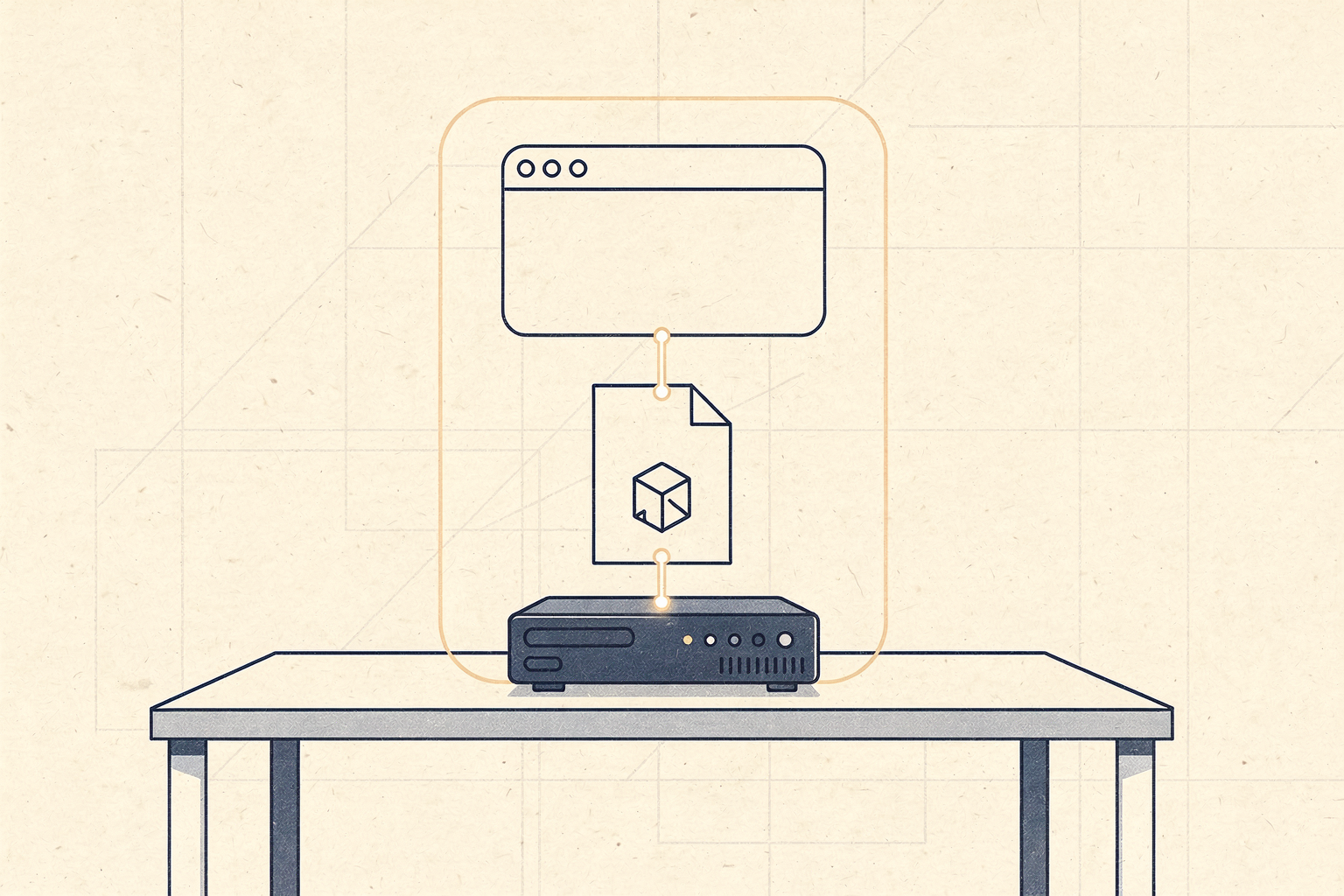
This is the canonical starter. If you read why local AI matters in 2026 and thought “OK, show me,” this is the showing. By the end you’ll have a private chat assistant — model, web UI, and an OpenAI-compatible API endpoint — running entirely on a machine you control, for the price of a single GPU. No accounts, no API keys, no transcripts on someone else’s server.
The whole thing fits in a weekend. Most of it fits in an afternoon.
What you’re building
Three pieces, all local:
- A model server (Ollama) — pulls and runs the model, exposes an API.
- A chat UI (Open WebUI or similar) — browser-based, ChatGPT-like, talks to the model server.
- The model itself — a single GGUF file, the only large download.
The result: you open a browser tab, type a question, get an answer — same UX as the commercial product, except the request never leaves your network and nobody’s keeping the transcript.
The hardware: one card
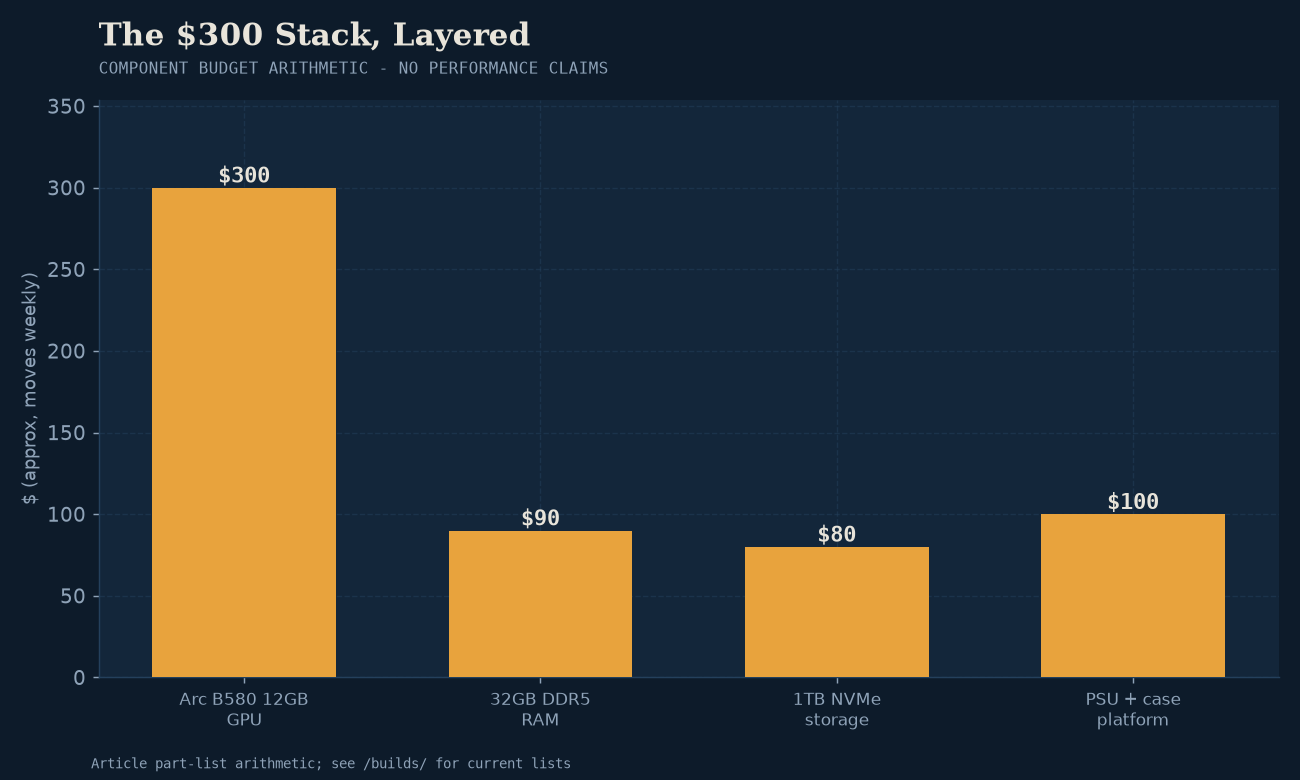
The $300 floor is real. The reference build:
- GPU: Intel Arc B580 12GB (~$300). Cheapest 12GB card that runs local models cleanly.
- Alternatives: any 12GB+ card works — used RTX 3060 12GB, AMD RX 7600 XT 16GB if you can find one. Builds has tested part lists per tier.
- The rest: any desktop with a free PCIe slot, 16GB+ RAM, a 500W+ PSU. Don’t overspend here. A 5-year-old office PC with a new power supply and the B580 is a perfectly good host.
If you already have a machine with a recent discrete GPU, skip the shopping — you may already have the hardware. Run Model Fit on your target model to check.
Step 1 — install Ollama
Ollama is the easy on-ramp we recommend for single-user desktop chat, and it’s the right default here. Install is one command per platform (see the Ollama site for the current installer for your OS). On Linux it’s roughly:
curl -fsSL https://ollama.com/install.sh | sh
Verify it’s up:
ollama --version
That’s the model server. It exposes an OpenAI-compatible HTTP API on localhost:11434 by default, which is what the UI (and anything else you build) will talk to.
Step 2 — pull a model
The model choice is the only decision that matters, and it depends on your card. Good defaults on a 12GB card:
- General chat / writing / brainstorming:
ollama pull mistral(Mistral 7B, ~4–6GB at Q4) — the safe default, fits comfortably. - Coding focus: step up to a 30B-A3B MoE like Qwen3-Coder-30B-A3B at Q4_K_M (~18GB, tight at 12 — drop context to fit, or move to a 24GB card). Our 30B recipe covers the flags.
- Fast good-enough chat: an 8B-class MoE like LFM2.5-8B-A1B (~6GB). Genuinely real-time on a 12GB card. See bm-007 for the speed.
- Laptop / very tight VRAM: Granite 4 1B or SmolLM3 3B. Yes, really — see the landscape for why small is having a renaissance.
For the first run, start with mistral and confirm the loop works end to end before experimenting.
ollama pull mistral
ollama run mistral
# type a question, get an answer, /bye to exit
That’s a working local model. The rest is making it pleasant to use.
Step 3 — add a ChatGPT-style UI
The model server is an API; for a browser chat experience, run Open WebUI (or similar) as a container that points at Ollama. The current install is a single Docker command (check the Open WebUI docs for the exact current invocation; the pattern is one container, one environment variable pointing at the Ollama host).
Once it’s up, open http://localhost:8080, create a local account (the account lives in the Open WebUI database on your machine — not anywhere else), pick the model you pulled, and chat. You now have the ChatGPT experience, privately.
What you actually get (and what you don’t)
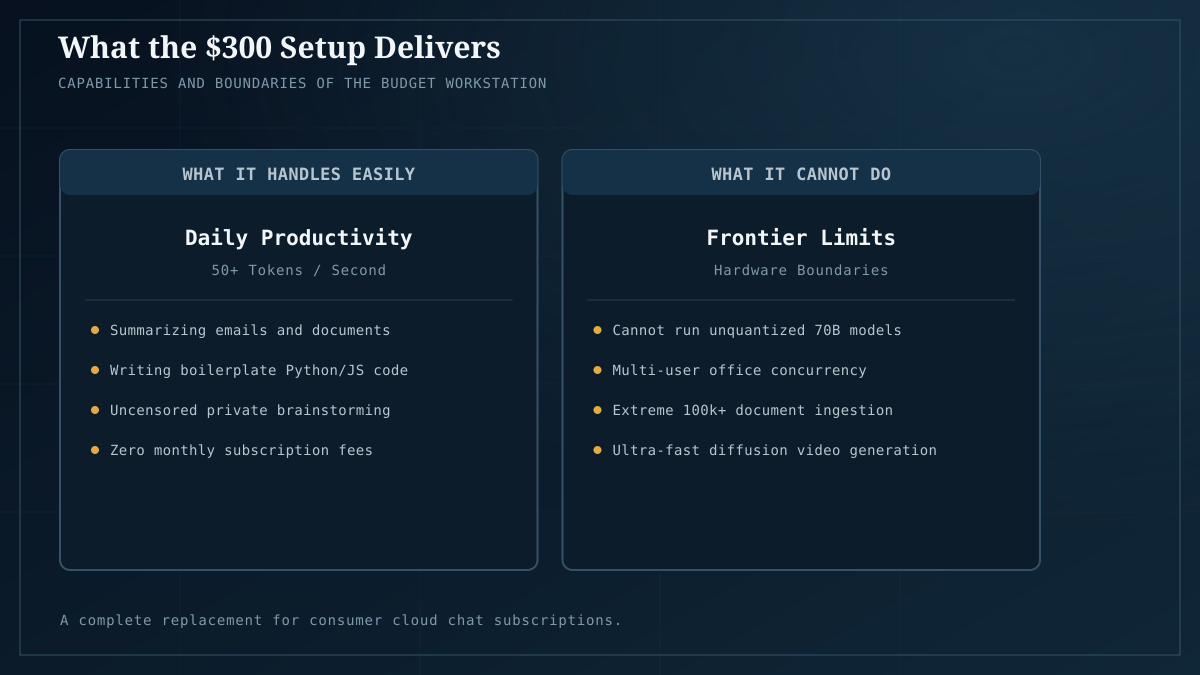
What works well:
- Privacy. The transcript is in a local SQLite file. No telemetry upstream if you don’t configure any.
- Offline operation. Once the model is pulled, no internet required.
- An OpenAI-compatible API. Anything that speaks the OpenAI API format can point at
localhost:11434instead ofapi.openai.com— editors, agent frameworks, your own scripts. - Cost. The card was a one-time purchase; inference is the electricity. Run it a million times, the marginal cost doesn’t budge.
Where it falls down — read this part:
- It is not a frontier model. A 7B–30B local model is genuinely good at most day-to-day work and noticeably worse at the hardest reasoning. If you need GPT-5-class reasoning on a hard problem, this is the 10% case for the cloud. Run the hybrid.
- Single-user, not a server. This setup serves you. If ten teammates hit it concurrently, Ollama will queue and degrade. At that point you’ve outgrown this recipe and need vLLM/SGLang — or, on Arc specifically, OVMS.
- No real-time web or vision by default. You’re running text-in/text-out. Multimodal (vision, voice) is possible but adds components; the offline voice assistant tutorial covers the voice side.
- Setup is one afternoon; maintenance is occasional. You’ll re-pull models as better ones ship, restart the UI after updates, maybe adjust context length. It’s not zero-work; it’s just that the work is yours, not a vendor’s roadmap.
Where to go next
Once the basic loop works, the natural extensions:
- Make it a coding agent → Build a private coding agent (the deep-dive on use-case #1 from 5 things you can do with a local LLM).
- Point it at your documents → Run a private RAG knowledge base.
- Wire up voice → Offline voice assistant.
- Process documents at scale → Batch-process 10,000 documents locally.
Each of those is the same hardware doing a different job. That’s the real pitch for local AI in 2026: you buy the card once, and the marginal cost of every new workflow is the time it takes to wire it up.
The takeaway
For $300 and a weekend, you can have a private ChatGPT-class assistant that answers as fast as the cloud product for most queries, never sends your data anywhere, and runs forever for the cost of electricity. The frontier-reasoning gap is real — be honest about it — but for the 90% of daily work, the local answer is now good enough that the cloud’s only remaining argument is “we have the biggest model.” Most days, you don’t need the biggest model.
If you want to check whether a specific model fits your card before you buy, Model Fit does the VRAM math. For tested part lists at every tier above the $300 floor, Builds has you covered. When one machine stops being enough — multiple users, multiple models — Home AI server: a four-node fleet is the multi-machine topology this starter eventually grows into.