The “how cheap can I go?” question has a real answer now, and it’s lower than most people assume. You can build a genuinely useful local-AI machine — one that runs 7B–13B models comfortably for daily work and stretches to a 30B MoE when you need it — for under $1,000, sometimes well under. This is the tested parts list, the rationale for each choice, and the honest list of what you’re giving up at this tier versus the 24GB sweet spot.
This is the entry tier in our Builds — the build above the $300 floor (GPU-only) and below the 24GB mid-tier. It’s the configuration we’d hand most first-time builders who want a real machine, not just a card slapped into an old PC.
The design philosophy: spend on the GPU, cheat everywhere else
Local AI is VRAM-bound. Almost every dollar that doesn’t go into GPU VRAM is, at this tier, wasted. That dictates a specific build philosophy:
- Put the budget into the card. This is non-negotiable. A faster CPU or more system RAM does not recover a GPU that’s too small for your model.
- The host can be modest. Once the model is in VRAM, the CPU’s job is feeding it context and fielding the I/O. A mid-range CPU is plenty. Don’t chase “AI-optimized” CPU marketing.
- System RAM matters, but as headroom, not speed. 32GB is the floor (for offload headroom and the OS); 64GB is comfortable. Beyond that, at this tier, you’re stealing dollars from the GPU budget.
- Storage just needs to be fast enough to load models without agony. A 1TB NVMe is the sweet spot — models are 4–18GB each, and you’ll accumulate several.
The parts list (~$900–$1,000)
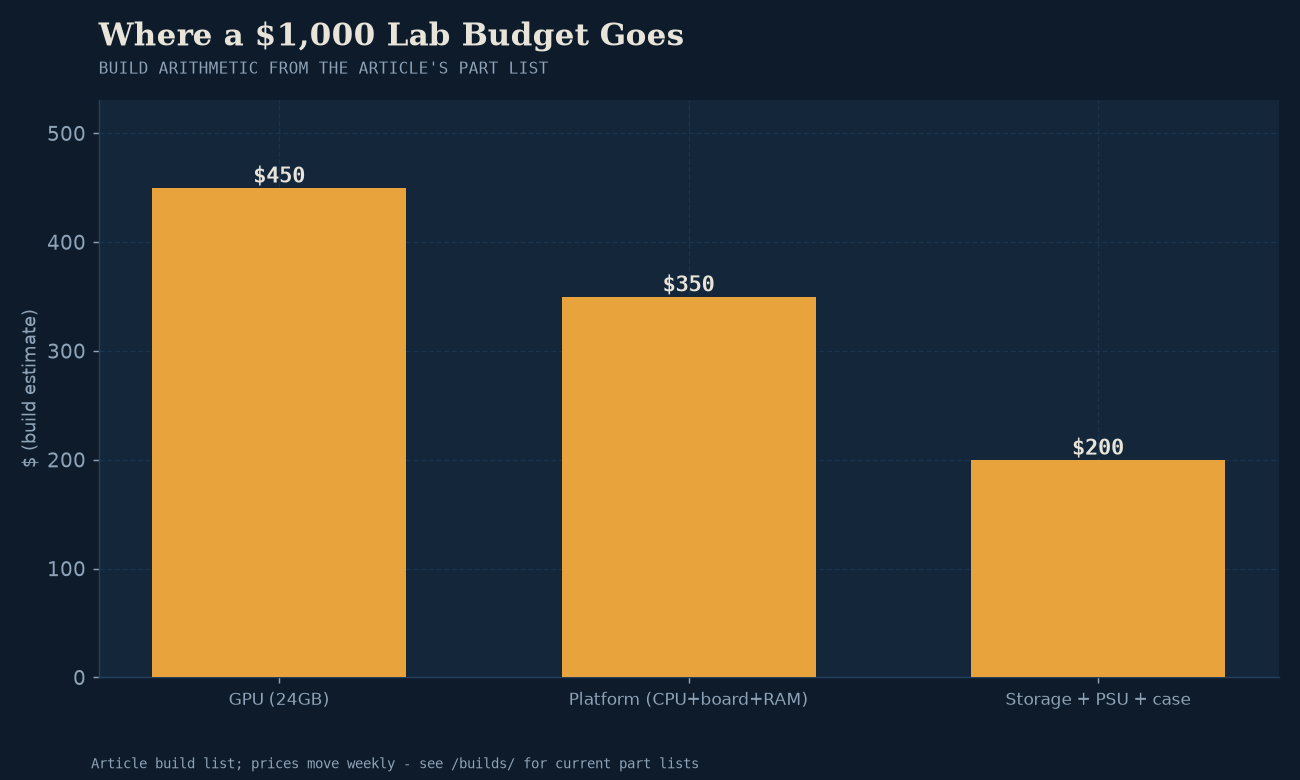
Based on our Budget Arc Coder build tier, adapted for current pricing:
| Part | Pick | Why | ~Price |
|---|---|---|---|
| GPU | Intel Arc B580 12GB (or used RTX 3060 12GB) | The cheapest 12GB cards that run local models cleanly. 12GB is the entry tier that fits 7B–8B at good quants and a 30B MoE tightly. | ~$250–$300 |
| CPU | AMD Ryzen 5 7600 (or Intel Core i5-13400) | Mid-range 6-core; more than enough to feed a single GPU. Don’t overspend here. | ~$200 |
| RAM | 32GB DDR5 (2×16) | The comfortable floor for offload headroom and multitasking. | ~$90 |
| Storage | 1TB NVMe SSD (Gen4) | Fast model loads; 1TB holds ~15–30 models. | ~$80 |
| PSU | 650W 80+ Gold | Headroom for the GPU plus modest future upgrades. Don’t go below 650W. | ~$80 |
| Motherboard | B650 (AMD) or B760 (Intel) | Solid mid-range; one GPU slot is all you need at this tier. | ~$140 |
| Case | Any decent mid-tower with airflow | Cheap out here. A $60 case with two fans is fine. | ~$60 |
| Total | ~$900–$1,000 |
Prices fluctuate and vary by region; treat these as directional. The build is in our Builds with current part links where applicable.
Why the Arc B580 (or a used 3060) at this tier
The GPU choice is the whole decision, and at the sub-$300 tier the question is “12GB, cheapest reliable option.” Two picks dominate:
- Intel Arc B580 12GB (~$250–$300) is the value pick and the card our Budget Arc Coder build is built around. 12GB of VRAM for the lowest price, and it runs llama.cpp cleanly via Vulkan. The caveat: SYCL is unstable on Arc B-series, so you’re on the Vulkan backend. For inference that’s fine — Vulkan is first-class in llama.cpp now.
- Used RTX 3060 12GB (~$200–$250) is the CUDA alternative at the same VRAM tier. Older, used, but NVIDIA’s software “just works” advantage applies. If you find a clean one, it’s a strong pick — see the used-GPU checklist for what to verify.
Both deliver the same thing: 12GB of VRAM, the entry tier that makes daily-driver local AI work. Pick on price and CUDA-vs-Vulkan preference. Don’t stretch to an 8GB card to save $50 — 8GB is the tier where you’re constantly fighting memory pressure, and the savings evaporate into frustration.
What this build runs
Concretely, at the 12GB tier, with Model Fit confirming the math:
- 7B–8B models at Q6/Q8 — full quality, full context, comfortably. This is your daily chat/writing tier. The $300 starter shows the loop.
- 8B-class MoE (LFM2.5-8B-A1B) at Q4 — genuinely real-time, full context. We measured this exact config in bm-007.
- 30B-A3B MoE at Q4_K_M — tight but doable, with reduced context. ~18GB of weights means it spills to system RAM (CPU offload) on a 12GB card, which is slower but works. Our 30B recipe covers the flags. This is the stretch case for this tier.
What it doesn’t comfortably run: 27B+ dense models at full context, 70B anything, or anything that needs more than ~12GB of weights plus context headroom. For those, you want the 24GB tier.
The one upgrade worth the money
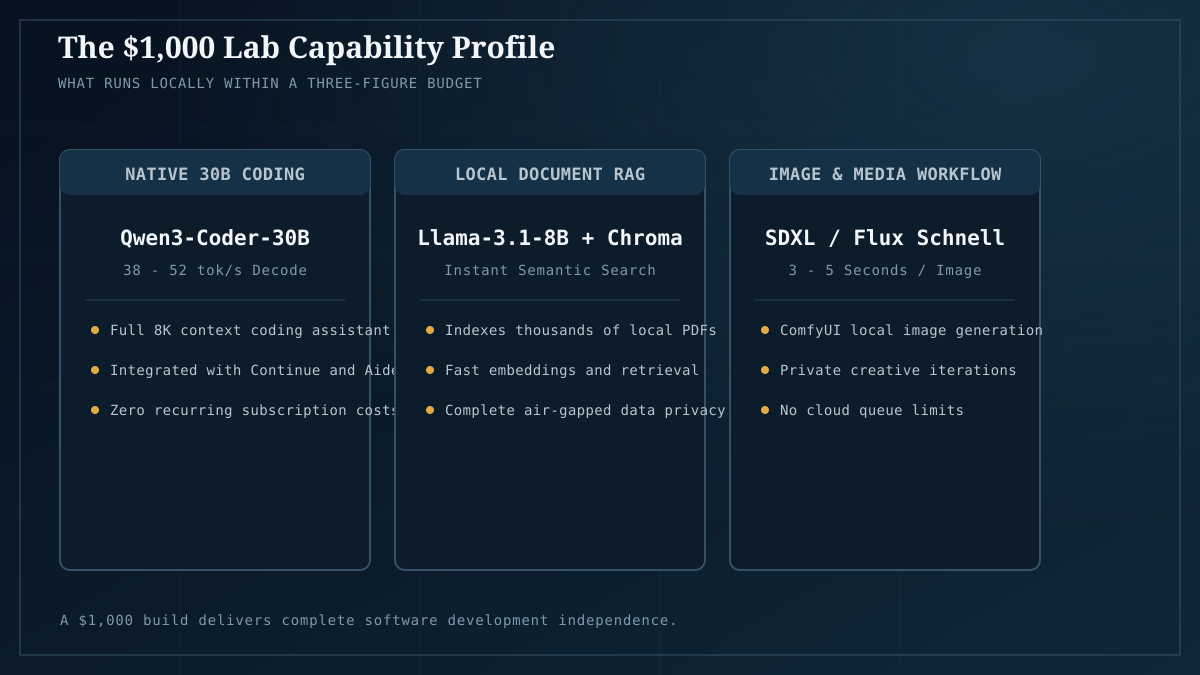
If you have an extra $100–$200, the highest-leverage upgrade at this tier is moving from 12GB to a 24GB card — a used RTX 3090 (~$700) or a Radeon RX 7900 XTX. That single change takes you from “7B–13B daily, 30B as a stretch” to “30B daily at full quality, the actual sweet spot.” It roughly doubles the build cost, but it’s the upgrade that changes what you can do, versus a CPU or RAM upgrade that just makes the same workload marginally smoother.
Don’t spend that upgrade money on a faster CPU, more RAM, or a bigger SSD at this tier — none of them move the needle the way VRAM does. Bank it toward the GPU tier, either now or as a future upgrade.
What you’re giving up at this tier
Be honest about it:
- The 24GB sweet spot. A 12GB card fights memory pressure on anything above 13B. If your target workload is 30B-class daily, this tier will frustrate you — skip straight to 24GB.
- Future-proofing on a single card. 12GB is the entry tier, and you’ll outgrow it if your model ambitions grow. The upside: a $250 GPU is cheap to replace, and the rest of the build carries forward to a bigger card.
- Multi-user or concurrent serving. This is a single-user desktop build. If you want a home server serving multiple people, you’ve outgrown this tier before you’ve built it.
The takeaway
A sub-$1,000 home AI lab is real and buildable in 2026, and for most first-time builders it’s the right tier — not the $300 GPU-only floor (too limited), not the 24GB mid-tier (more than many need). Spend on the 12GB GPU, cheat on everything else, and you get a machine that runs the 7B–13B daily-driver tier comfortably and stretches to 30B when you need it. Run your target model through Model Fit first to confirm 12GB is enough for your actual workload — and if it isn’t, the same build philosophy scales straight up to the 24GB tier by swapping one part.
Next: Builds for the tested part list with current links; the $300 starter for the software setup once it’s built; the VRAM guide to confirm 12GB covers your target model before you buy.
Our pick #3 32GB DDR5 RAM Check price on Amazon As an Amazon Associate we earn from qualifying purchases. Price & availability shown on Amazon.com.
Part prices reflect the US market as of July 2026 and fluctuate. The build philosophy (spend on GPU VRAM, cheat elsewhere) is stable regardless of exact pricing.